
Visualização normal

Hoje — 9 de Setembro de 2026Cyber Security News
  • ✇Cyber Security News
  • Windows Remote Desktop Client Vulnerability Allows Attackers to Execute Remote Code Abinaya
    Microsoft has released security updates for CVE-2026-69485, an Important-rated remote code execution vulnerability affecting the Windows Remote Desktop Client. The flaw could allow an authenticated attacker with low privileges to execute code on an affected server by sending a specially crafted network request. The vulnerability was disclosed on September 8, 2026, and is tracked as CVE-2026-69485. Microsoft assigned it a CVSS 3.1 base score of 8.8, while the temporal score is 7.7. The i
     

Windows Remote Desktop Client Vulnerability Allows Attackers to Execute Remote Code

9 de Setembro de 2026, 07:10

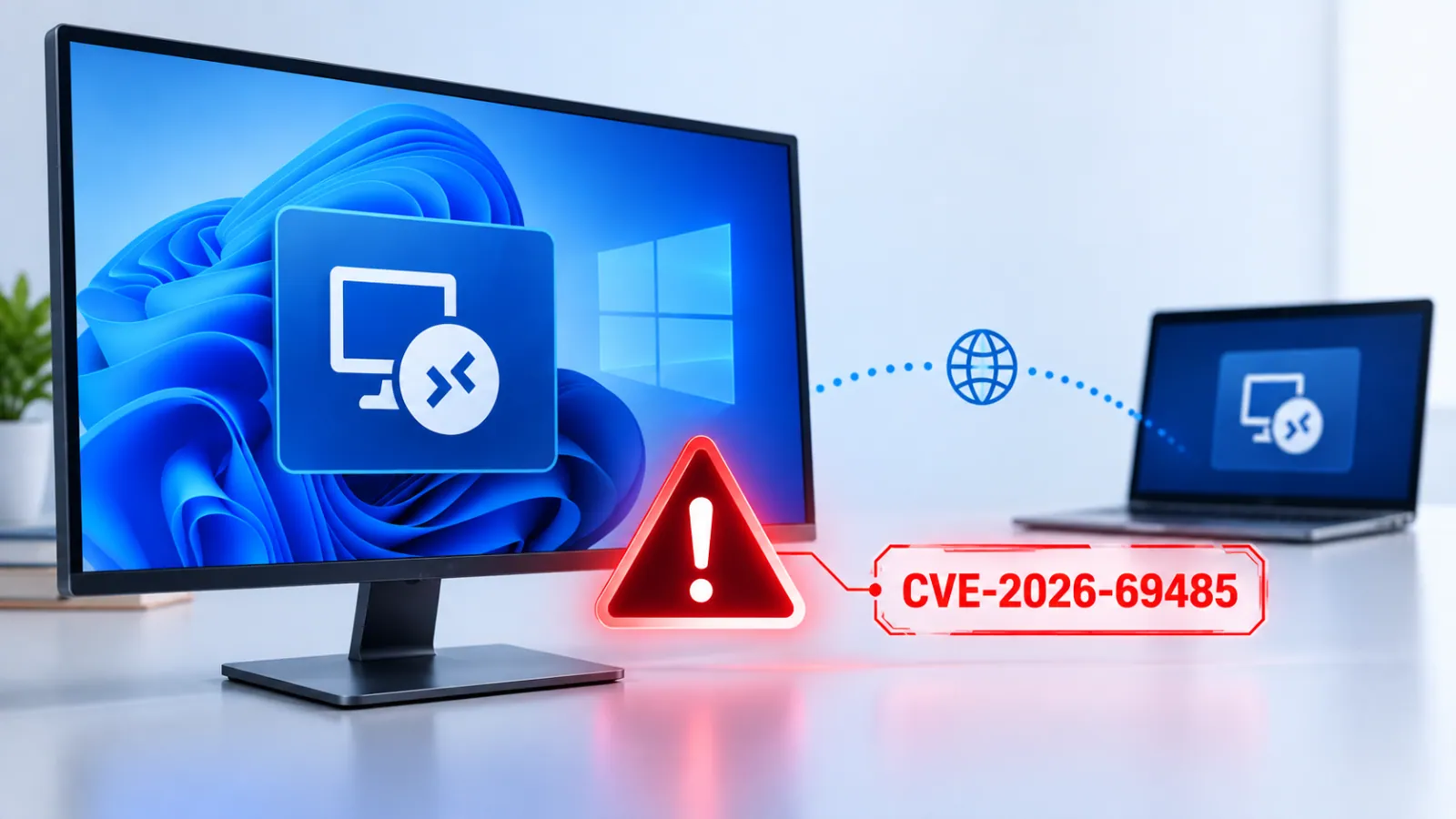
Microsoft has released security updates for CVE-2026-69485, an Important-rated remote code execution vulnerability affecting the Windows Remote Desktop Client.

The flaw could allow an authenticated attacker with low privileges to execute code on an affected server by sending a specially crafted network request.

The vulnerability was disclosed on September 8, 2026, and is tracked as CVE-2026-69485. Microsoft assigned it a CVSS 3.1 base score of 8.8, while the temporal score is 7.7.

The issue has a network attack vector, low attack complexity, requires low privileges, and does not need user interaction. Microsoft said the flaw stems from the Remote Desktop Client using an uninitialized resource.

Uninitialized resources can cause software to use memory, handles, or other system objects before they are properly prepared. In this case, an attacker may trigger the faulty condition through a crafted network request and gain the ability to run code.

Windows Remote Desktop Client Vulnerability

Remote code execution flaws are highly significant because they can give attackers control over vulnerable systems. Successful exploitation could affect the targeted device’s confidentiality, integrity, and availability.

Depending on the permissions available to the compromised account, an attacker could access sensitive data, modify files or system settings, install additional tools, or disrupt services.

According to Microsoft’s advisory, exploitation requires an attacker to first authenticate with low-level access to an affected server. The attacker could then send a specially crafted request to execute code on that server.

The attack does not require a user to click a link, open a file, or approve a prompt, reducing opportunities for defenders to stop it through user awareness controls alone.

Microsoft’s initial assessment states that the vulnerability was not publicly disclosed before the security update and has not been detected in active exploitation.

The company rates exploitation as “Exploitation Less Likely” at the time of publication. However, organizations should treat the finding as a priority because public patch releases can help threat actors study the vulnerability and develop working exploit techniques.

The affected products include Windows Server 2016, Windows Server 2019, Windows Server 2022, and Windows Server 2025, including Server Core installations.

Microsoft also listed several Windows client editions, including Windows 10 versions 1607, 1809, 21H2, and 22H2, along with Windows 11 versions 23H2, 24H2, 25H2, and 26H1 for supported x64 and ARM64 systems.

Administrators should deploy Microsoft’s September security updates as soon as possible.

KB UpdateWindows Version
KB5123099Windows Server 2016 / Windows 10 1607
KB5122876Windows Server 2019 / Windows 10 1809
KB5122882Windows Server 2022
KB5122878Windows 10 21H2 / 22H2
KB5122880Windows 11 23H2
KB5124008Windows 11 24H2 / 25H2
KB5124012Windows 11 26H1
KB5122871Windows Server 2025

Security teams should also review Remote Desktop exposure, restrict RDP access to trusted networks, enforce least-privilege access, and monitor authentication and Remote Desktop logs for unusual activity. Microsoft credited security researchers yhw and txz for reporting the vulnerability through coordinated disclosure.

Learn 7 Metric-Gated AI SOC Deployment Phases – Download Free AI SOC Deployment Playbook 2026.

The post Windows Remote Desktop Client Vulnerability Allows Attackers to Execute Remote Code appeared first on Cyber Security News.

Antes de ontemCyber Security News
  • ✇Cyber Security News
  • Microsoft August 2026 Windows Updates Trigger Issues on Devices Using RGB Lighting Features Abinaya
    Microsoft is investigating a Windows 11 issue in which the August 2026 security updates can cause certain games to freeze, crash, display access-violation errors, or restart affected PCs. The problem appears to be linked to RGB lighting hardware and software components that use the inputx64 driver. The issue was reported after Microsoft released the August 11, 2026 Windows update, KB5121003, for Windows 11 version 24H2 and version 25H2. Microsoft added the problem to its Windows Release He
     

Microsoft August 2026 Windows Updates Trigger Issues on Devices Using RGB Lighting Features

24 de Agosto de 2026, 08:33

Microsoft is investigating a Windows 11 issue in which the August 2026 security updates can cause certain games to freeze, crash, display access-violation errors, or restart affected PCs.

The problem appears to be linked to RGB lighting hardware and software components that use the inputx64 driver. The issue was reported after Microsoft released the August 11, 2026 Windows update, KB5121003, for Windows 11 version 24H2 and version 25H2.

Microsoft added the problem to its Windows Release Health dashboard on August 19. It said the investigation remains ongoing as of August 21.

Windows Updates Triggers RGB Lighting Issues

According to Microsoft, devices may be affected when they have RGB-enabled peripherals or internal components, such as lighting controllers, keyboards, mice, fans, or motherboard accessories.

Some of these products install low-level drivers or supporting code that resembles inputx64. When that driver is present, launching certain games can trigger the fault.

The games named in user reports are ARC Raiders, MARVEL Tōkon: Fighting Souls, and THE FINALS.

Reported symptoms include games becoming unresponsive, closing unexpectedly, showing an “EXCEPTION_ACCESS_VIOLATION” message, or causing the entire Windows device to restart without warning.

Microsoft has not yet determined whether the root cause lies in Windows itself, the RGB driver ecosystem, the affected games, or an interaction among all three.

The company said it is working to understand the relationship between RGB-related components and the games that activate the issue.

As a temporary workaround, Microsoft advises affected users to disable the inpoutx64 driver through the Windows Registry.

Users should first back up the Registry, then open Registry Editor and navigate to: HKEY_LOCAL_MACHINE\SYSTEM\CurrentControlSet\Services\inpoutx64

They should locate the Start value, change its value data to 4, close Registry Editor, and restart the computer. In Windows service configuration, a Start value of 4 disables the driver.

However, this workaround may disable or disrupt RGB lighting functions and the applications used to manage them. Users who experience problems with lighting controls can restore the driver by returning the Registry setting to its previous value.

Administrators should test the change before deploying it broadly, especially on systems that depend on vendor-provided lighting or hardware management software.

The issue affects Windows 11 versions 24H2 and 25H2 on client systems. Windows Server platforms are not listed as affected. Microsoft also reminded users that Windows 11 version 24H2 Home and Pro editions will reach end of servicing on October 13, 2026.

Devices on those editions will stop receiving monthly security updates, fixes for known issues, time-zone updates, and technical support after that date.

Eligible unmanaged consumer devices are expected to automatically receive Windows 11 version 25H2. However, users can choose when to restart or postpone the update. Users experiencing the RGB-related game issue can submit diagnostics through Feedback Hub by pressing the Windows key + F.

Prevent incidents due to slow investigations. Power your Tier 1 with threat intelligence from 15K SOCs: Integrate TI Lookup in your SOC

The post Microsoft August 2026 Windows Updates Trigger Issues on Devices Using RGB Lighting Features appeared first on Cyber Security News.

  • ✇Cyber Security News
  • Malware Abuses Windows Hello for Business Key to Authenticate Microsoft Entra ID Abinaya
    A newly demonstrated technique shows how malware in a compromised Windows user session can abuse Windows Hello for Business (WHFB) cryptographic keys to authenticate to Microsoft Entra ID, enabling attackers to gain cloud access without the victim’s password, PIN, or biometric data. Windows Hello for Business is designed as a passwordless authentication system. It normally stores a user’s private key in the device’s Trusted Platform Module, or TPM, making the key difficult to export or steal.
     

Malware Abuses Windows Hello for Business Key to Authenticate Microsoft Entra ID

7 de Agosto de 2026, 13:11

A newly demonstrated technique shows how malware in a compromised Windows user session can abuse Windows Hello for Business (WHFB) cryptographic keys to authenticate to Microsoft Entra ID, enabling attackers to gain cloud access without the victim’s password, PIN, or biometric data.

Windows Hello for Business is designed as a passwordless authentication system. It normally stores a user’s private key in the device’s Trusted Platform Module, or TPM, making the key difficult to export or steal. Users unlock access to that key with a PIN, fingerprint, facial recognition, or another local verification method.

However, researcher Dirk-jan Mollema found that a process already operating within an active user session may be able to use the key through Windows cryptographic interfaces without triggering a fresh PIN or biometric prompt. This behavior appears linked to cached authentication information used by Windows Hello.

The issue does not mean that attackers can simply copy a TPM-protected private key from a device. Instead, malware with access to an unlocked user session could ask Windows to perform cryptographic signing operations using the protected key. Those signatures can then be used in identity flows that prove control of the Windows Hello credential.

Windows Hello Key Abuse Targets Entra ID

One attack path involves requesting a Primary Refresh Token, also known as a PRT. PRTs are important Microsoft Entra ID authentication artifacts that support single sign-on across Microsoft services and applications.

A valid PRT can provide long-lived access and may be renewed, making it highly valuable to attackers seeking persistence in a cloud environment.

Requesting PRTs with WHFB keys on an endpoint (Source : dirkjanm )
Requesting PRTs with WHFB keys on an endpoint (Source: Dirkjanm )

Previously, an attacker would also need access to another Entra ID-joined or registered device to complete this flow. The new research shows a second option: treating the Windows Hello for Business key as a FIDO2 passkey through the WebAuthn authentication protocol.

WebAuthn is widely used for passwordless authentication and phishing-resistant sign-in. By generating a valid WebAuthn assertion with the victim’s Windows Hello key, an attacker could authenticate to Microsoft Entra ID from a separate machine.

The resulting access tokens may lack a device identifier because the sign-in does not include the victim device’s normal registration state.

That missing device identifier can be useful to an attacker. Tokens without device-bound state may be used to register a new attacker-controlled device in Entra ID.

From there, an attacker could attempt to obtain a PRT, establish persistence, or add new authentication methods such as passkeys. The research also highlights a challenge for Conditional Access policies.

Because Windows Hello and FIDO2 are considered phishing-resistant authentication methods, a forged authentication flow based on a compromised session may satisfy policies requiring strong multifactor authentication.

Policies that require compliant or managed devices could still block some activity, but attackers may attempt to work around device restrictions after gaining cloud access.

WHFB signing PowerShell script (Source : dirkjanm )
WHFB signing PowerShell script (Source: Dirkjanm )

Defenders should monitor Entra ID sign-in logs for Windows Hello for Business authentications where the device ID is empty. While this can occur legitimately in private browsing sessions or browsers without single sign-on support, it should be relatively uncommon in many enterprise environments.

Organizations should also investigate unexpected device registrations, newly added authentication methods, unusual token activity, and sign-ins that follow endpoint compromise. Protecting active Windows sessions remains essential, because the attack relies on malware already running as the targeted user.

 Strengthen Your SOC by Accelerating Threat Detection & Rapid Investigations. -> Integrate ANY.RUN With Your SOC Now.

The post Malware Abuses Windows Hello for Business Key to Authenticate Microsoft Entra ID appeared first on Cyber Security News.

❌
❌