This week, Google released a Chrome security update fixing 12 vulnerabilities, including CVE-2026-85046, an actively exploited V8 type confusion flaw.
The bug affects Chrome’s JavaScript and WebAssembly engine and could let a remote attacker execute arbitrary code inside the browser sandbox by using a specially crafted HTML page.
“CVE-2026-85046: Type confusion in V8.” reads the advisory. “Google is aware that an exploit for CVE-2026-85046 exists in the wild.”
As usual, Google did not disclose technical details about the attacks exploiting this vulnerability or attribute them to any specific threat actor.
Security researcher Salvatore Gulizia, known as Serotav, reported the flaw on August 4, 2026, and received a $1,000 bug bounty.
“a v8 bug in the compilers that leads to an array containing PACKED_ELEMENTS to receive the map PACKED_SMI_ELEMENTS, this can be turned into arb r/w on the js heap.” wrote Serotav. “The bug was present in both maglev and turbofan.”
CVE-2026-85046 is the sixth actively exploited Chrome zero-day of 2026. Since the start of the year, Google has addressed the following zero-day flaws exploited in attacks in the wild:
February 2026 – CVE-2026-2441 (CVSS score: 8.8) – Use after free in CSS.
March 2026 – CVE-2026-3909 (CVSS score: 8.8) – Out-of-bounds write in the Skia 2D graphics library and CVE-2026-3910 (CVSS score: 8.8) – Flaw in the implementation of the V8 JavaScript/WebAssembly engine.
April 2026 – CVE-2026-5281 (CVSS score: 8.8) – Use-after-free bug in Dawn, the WebGPU component used for graphics processing.
June 2026 – CVE-2026-11645 (CVSS score: 8.8) – Out-of-bounds memory access in the V8 JavaScript engine
Google has updated Chrome Stable to version 152.0.7977.82/.83 for Windows and Mac and 152.0.7977.82 for Linux, with the rollout happening over the coming days and weeks.
Google patched 12 Chrome flaws, including an actively exploited V8 zero-day that could enable remote code execution through a crafted webpage.
Google released a Chrome security update fixing 12 vulnerabilities, including CVE-2026-85046 (CVSS score of 8.8), an actively exploited V8 type confusion flaw.
The bug affects Chrome’s JavaScript and WebAssembly engine and could let a remote attacker execute arbitrary code inside the browser sandbox by using a specially crafted HTML page.
“CVE-2026-85046: Type confusion in V8.” reads the advisory. “Google is aware that an exploit for CVE-2026-85046 exists in the wild.”
As usual, Google did not disclose technical details about the attacks exploiting this vulnerability or attribute them to any specific threat actor.
Security researcher Salvatore Gulizia, known as Serotav, reported the flaw on August 4, 2026, and received a $1,000 bug bounty.
“a v8 bug in the compilers that leads to an array containing PACKED_ELEMENTS to receive the map PACKED_SMI_ELEMENTS, this can be turned into arb r/w on the js heap.” wrote Serotav. “The bug was present in both maglev and turbofan.”
CVE-2026-85046 is the sixth actively exploited Chrome zero-day of 2026. Since the start of the year, Google has addressed the following zero-day flaws exploited in attacks in the wild:
February 2026 – CVE-2026-2441 (CVSS score: 8.8) – Use after free in CSS.
March 2026 – CVE-2026-3909 (CVSS score: 8.8) – Out-of-bounds write in the Skia 2D graphics library and CVE-2026-3910 (CVSS score: 8.8) – Flaw in the implementation of the V8 JavaScript/WebAssembly engine.
April 2026 – CVE-2026-5281 (CVSS score: 8.8) – Use-after-free bug in Dawn, the WebGPU component used for graphics processing.
June 2026 – CVE-2026-11645 (CVSS score: 8.8) – Out-of-bounds memory access in the V8 JavaScript engine
Google has updated Chrome Stable to version 152.0.7977.82/.83 for Windows and Mac and 152.0.7977.82 for Linux, with the rollout happening over the coming days and weeks.
Google has released an emergency Chrome security update that fixes a critical zero-day vulnerability already being exploited in real-world attacks.
The flaw, tracked as CVE-2026-85046, affects the V8 JavaScript and WebAssembly engine used by Chrome to process web content. The company confirmed that it is aware of an exploit for the vulnerability existing in the wild.
While Google did not disclose details about the attacks, affected targets, or the threat actors behind the activity, the active exploitation notice makes immediate patching important for all Chrome desktop users.
The security update moves Chrome Stable to version 152.0.7977.82/.83 for Windows and macOS. Linux users receive version 152.0.7977.82. Google said the update will roll out gradually over the coming days and weeks.
Chrome 0-Day Vulnerability Exploited
CVE-2026-85046 is described as a high-severity type confusion vulnerability in V8. Type confusion bugs occur when software incorrectly treats a piece of data as one type when it is actually another type.
In a browser engine, this kind of memory-handling error can be dangerous. An attacker may be able to create specially crafted JavaScript or web content that causes Chrome to handle memory unexpectedly.
Depending on the exploit chain, this could lead to browser crashes, data exposure, or the execution of attacker-controlled code within the browser process.
A victim may only need to visit a malicious or compromised website for an exploit attempt to begin. Attackers can also deliver exploit links via phishing emails, malicious advertisements, social media messages, or compromised legitimate sites.
The vulnerability was reported by security researcher Salvatore Gulizia, also known as Serotav, on August 4, 2026. Google awarded a $1,000 bug bounty for the report.
The Chrome update contains 12 security fixes in total. Several of the patched issues are rated high severity and affect important browser components, including V8, WebGL, Network, DevTools, Skia, CacheStorage, Compositing, and CrashReporting.
Among the notable fixes are a race condition in V8, an out-of-bounds write vulnerability in WebGL, use-after-free flaws in Compositing, DevTools, and Skia, and a type confusion issue in Compositing.
Google is restricting access to some vulnerability details until most users have installed the update. This approach is intended to reduce the chance that attackers can quickly reverse-engineer the fixes and build additional exploit code before organizations and individuals patch their browsers.
Chrome users should update immediately by opening the browser menu, selecting Help, and then choosing About Google Chrome. Chrome will check for the latest version and download the update when available.
Users should relaunch the browser after installation to ensure the security fixes are applied. Enterprise administrators should verify that managed endpoints are updated to Chrome 152.0.7977.82 or later.
Security teams should also monitor endpoint telemetry and web-filtering logs for suspicious browser activity, especially phishing campaigns that use newly registered domains or deceptive update prompts.
Because CVE-2026-85046 is actively exploited, delaying the update leaves systems exposed to a known browser attack path.
Shortly after this article was published, Google released another Chrome update that patches an actively exploited flaw in the V8 JavaScript engine, tracked as CVE-2026-85046.
Google rates the vulnerability as high severity and says an exploit already exists in the wild. An attacker could use a crafted HTML page to execute arbitrary code inside the Chrome sandbox. Because it is already being exploited, HKCERT rates the overall risk as extremely high.
After installing the latest update, Chrome should be at version 152.0.7977.82/.83 on Windows and Mac, or 152.0.7977.82 on Linux.
Chrome is rolling out an update for its desktop browser. The update includes 26 security fixes, two of which Google rates as critical use-after-free vulnerabilities.
How to update Chrome
If you don’t want to wait for the rollout to reach you, manually updating is easy.
The easiest option is to allow Chrome to update automatically. But you can end up lagging behind if you never close your browser or if something goes wrong with the update.
To update manually, click the More menu (three dots), then go to Settings > About Chrome. If an update is available, Chrome will start downloading it automatically. Restart Chrome to complete the update, and you’ll be protected against these vulnerabilities.
Let’s look at the two critical vulnerabilities. Both are use-after-free (UAF) vulnerabilities. A use-after-free vulnerability occurs when a program attempts to access a memory location after it has been freed. That can cause crashes or, in some cases, allow an attacker to run their own code.
The first, tracked as CVE-2026-84353, was found in Shared Tab Groups and could allow a remote attacker using social engineering to execute arbitrary code outside the browser sandbox via a crafted HTML page. Here, social engineering likely means an attacker would have to lure you to a malicious website or open an email in HTML format.
The other critical vulnerability, tracked as CVE-2026-84352, was found in WebGL. WebGL, short for Web Graphics Library, is a browser technology that lets websites display interactive 2D and 3D graphics. The vulnerability could allow a remote attacker to execute arbitrary code outside the sandbox via a crafted HTML page.
Chrome vulnerabilities that enable remote code execution outside the browser sandbox are particularly valuable to attackers because they can turn a visit to a malicious or compromised website into direct code running on the underlying operating system, often without requiring additional exploitation steps.
Stop threats before they can do any harm.
Malwarebytes Browser Guard blocks phishing pages and malicious sites automatically. Free, one click to install. Add it to your browser →
Google has released a new update for the Chrome Stable Channel on desktop platforms, addressing 26 security vulnerabilities. This includes two critical use-after-free flaws affecting WebGL and Shared Tab Groups. The update upgrades Chrome to version 152.0.7977.75 on Windows and macOS, while Linux users receive version 152.0.7977.76. Google stated that the update will be rolled […]
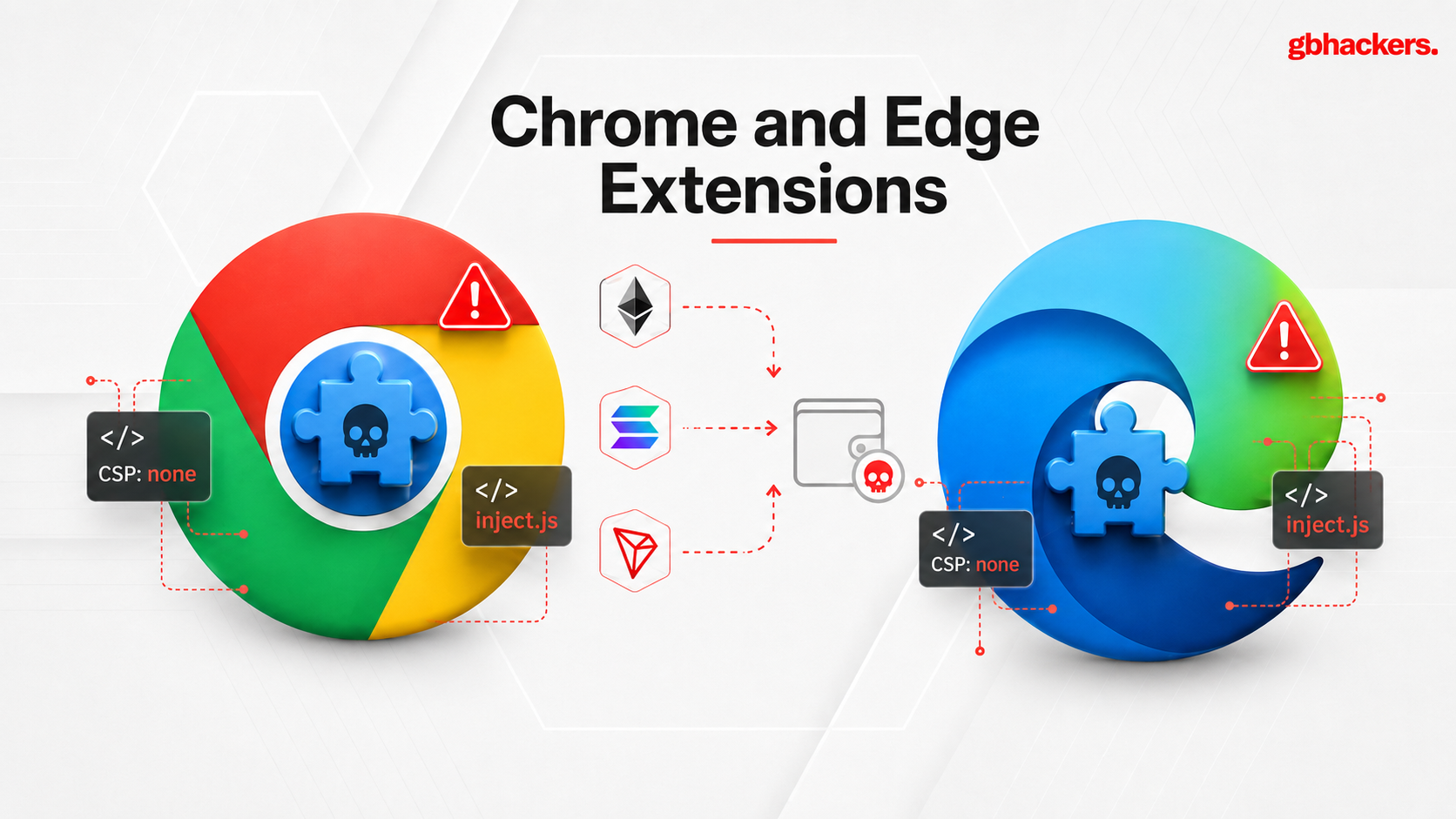
Research identified 19 malicious browser extensions 18 for Google Chrome and 1 for Microsoft Edge that use a modular malware framework to strip website Content Security Policy protections, inject attacker-controlled JavaScript. Socket determined that 14 extensions were created by the threat actor, while five were acquired from legitimate developers and subsequently weaponized. The most consequential […]
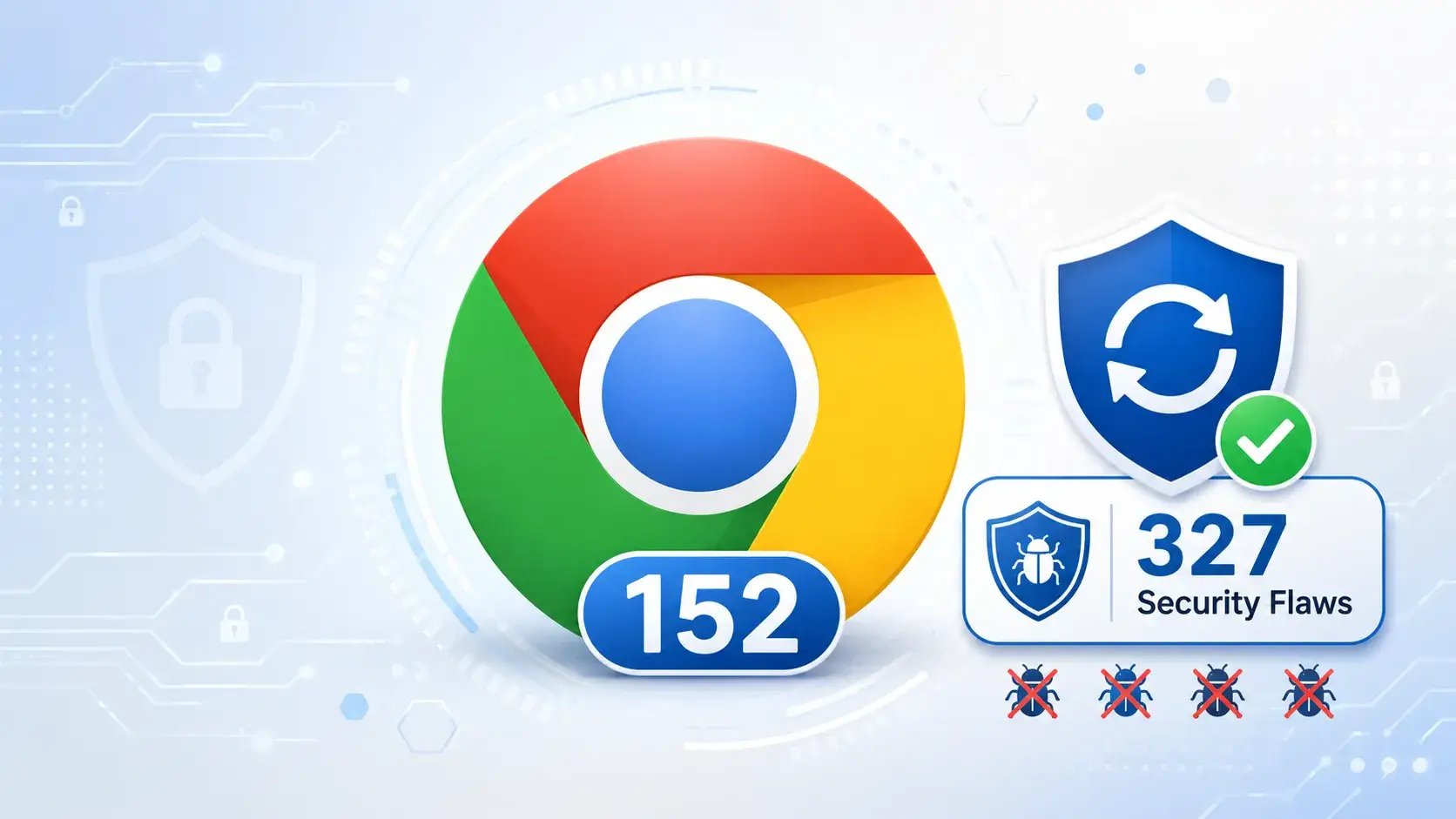
Google has released Chrome 152 for Windows, macOS, and Linux, delivering 327 security fixes and improvements. The update addresses 10 critical vulnerabilities, making it an important security release for individual users and enterprise environments.
Chrome 152 is rolling out as version 152.0.7977.64 for Linux and version 152.0.7977.64/.65 for Windows and macOS. Google said availability will expand to users over the coming days and weeks.
The most serious flaws are memory-safety issues, including several use-after-free vulnerabilities. Such bugs occur when software continues accessing memory after it has been released.
Attackers may be able to exploit these conditions to crash the browser, access sensitive information, or potentially run code in the context of the affected Chrome process.
Chrome 152 Released With 327 Security Fixes
The critical issues affect several Chrome components. CVE-2026-79282 is a use-after-free vulnerability in ANGLE, the graphics translation layer used by Chrome. The flaw was reported by security researcher Goodluck and earned a $25,000 reward.
Other critical vulnerabilities affect Aura, Chrome’s user-interface framework, Chromecast, Views, Safe Browsing, and Mobile components.
Google assigned CVE-2026-79290 and CVE-2026-79052 to use-after-free flaws in Aura. It also fixed CVE-2026-79054 and CVE-2026-79224, both of which are use-after-free issues in Chromecast.
Chrome 152 further patches CVE-2026-79121, an improper input validation vulnerability in Chromecast; CVE-2026-79150, a use-after-free flaw in Views; CVE-2026-78935, an uninitialized-variable issue in Mobile; and CVE-2026-79012, a use-after-free bug in Safe Browsing.
Fixes 10 Critical Vulnerabilities
CVE
Vulnerability type
Affected component
CVE-2026-79282
Use-after-free
ANGLE
CVE-2026-79290
Use-after-free
Aura
CVE-2026-79054
Use-after-free
Chromecast
CVE-2026-79121
Improper input validation
Chromecast
CVE-2026-79224
Use-after-free
Chromecast
CVE-2026-79052
Use-after-free
Aura
CVE-2026-79150
Use-after-free
Views
CVE-2026-78935
Use of uninitialized variable
Mobile
CVE-2026-79012
Use-after-free
Safe Browsing
CVE-2026-79200
Use-after-free
Aura
The update also contains a large set of high-severity fixes affecting ANGLE, WebGL, V8, WebRTC, Extensions, Autofill, GPU, Bluetooth, Sandbox, Passwords, and other browser subsystems.
High-severity bugs include buffer overflows, out-of-bounds reads and writes, type-confusion errors, authorization flaws, race conditions, and information leaks.
Several high-severity fixes concern ANGLE, including out-of-bounds writes, buffer overflows, type confusion, use-after-free conditions, and uninitialized resources.
Since ANGLE processes graphics-related content, malicious web pages could potentially use specially crafted graphics or WebGL data to reach vulnerable browser code.
Google has not said that any of the fixed vulnerabilities are being actively exploited in attacks. However, the company is temporarily restricting access to bug details and links until most users have updated.
Google may also retain restrictions when a flaw in a third-party library has not yet been fixed in other dependent projects. Users should update Chrome immediately by opening the browser menu, navigating to Help, selecting About Google Chrome, and relaunching after the update downloads.
Organizations should verify that managed endpoints update to Chrome 152 as it becomes available through their established update channels.
Prevent incidents due to slow investigations. Power your Tier 1 with threat intelligence from 15K SOCs: Integrate TI Lookup in your SOC
Google has released Chrome version 152 for Windows, macOS, and Linux, addressing 327 security vulnerabilities, including 10 rated as Critical. This stable-channel update is being rolled out as version 152.0.7977.64 for Linux and 152.0.7977.64/.65 for Windows and macOS. This update is significant due to the sheer number and severity of memory-safety issues fixed across Chrome’s […]
Google has released Chrome version 151 to the Stable channel for desktop platforms, addressing seven security vulnerabilities. Among these vulnerabilities is a critical use-after-free flaw, along with several high-severity issues affecting various components of the browser, including V8, DOM, Workers, networking, and Linux toolkit theming. The update is being rolled out as version 151.0.7922.173/.174 for […]
Google has released a new Chrome Stable channel update that fixes two critical security vulnerabilities affecting graphics-related components. Users should update their browsers as soon as the release becomes available for their device.
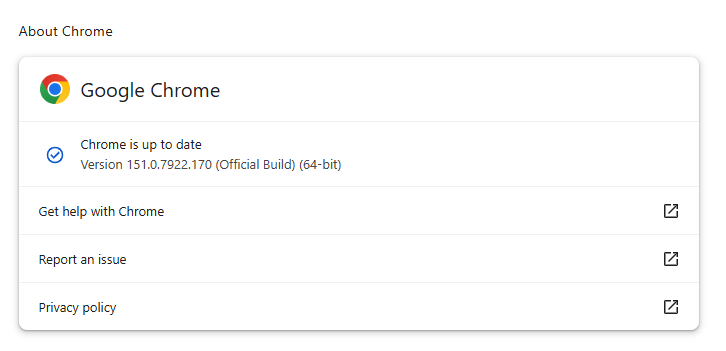
The update moves Chrome to version 151.0.7922.169/.170 on Windows and macOS, while Linux users receive version 151.0.7922.169. Google said the rollout will occur gradually over the coming days and weeks.
The two critical issues are tracked as CVE-2026-76034 and CVE-2026-76036. Both are buffer overflow vulnerabilities, a memory-safety flaw that can occur when software writes more data into a memory area than it was designed to hold.
Such bugs can lead to browser crashes, data corruption, or potentially arbitrary code execution in certain attack scenarios. CVE-2026-76034 affects WebGL, Chrome’s interface for rendering interactive 2D and 3D graphics inside websites.
Online games, visualizations, browser-based design tools, and other graphics-heavy web applications widely use WebGL. A malicious website could potentially attempt to trigger the flaw through specially crafted WebGL content.
The second issue, CVE-2026-76036, is a buffer overflow in Dawn. Dawn is Chromium’s implementation of the WebGPU standard, a newer graphics API intended to provide web applications with more direct and efficient access to graphics hardware.
Because WebGPU and related graphics components process complex data from web content, memory corruption issues in these areas can represent a significant browser security risk.
Google credited its own security team with reporting CVE-2026-76034 on July 15, 2026, and CVE-2026-76036 on July 28, 2026. The company has not publicly disclosed technical details, proof-of-concept code, or exploitation information.
It said access to bug reports may remain restricted until most Chrome users have installed the fixes, reducing the opportunity for attackers to reverse-engineer patches and weaponize the vulnerabilities.
In total, the Chrome 151 Stable release includes 15 security fixes. Google also noted that it uses memory-error detection and fuzzing technologies, including AddressSanitizer, MemorySanitizer, UndefinedBehaviorSanitizer, Control Flow Integrity, libFuzzer, and AFL, to identify security bugs during development.
Users can update Chrome by opening the browser menu, selecting Help, then About Google Chrome. Chrome will automatically check for the latest available build and prompt users to relaunch once the update has downloaded.
Organizations should ensure managed Windows, macOS, and Linux endpoints receive the new Chrome version through their normal patch-management process.
Security teams should also monitor browser version compliance, particularly on systems that regularly access untrusted websites or use web-based graphics applications.
Google’s published release notes identify the affected builds and confirm that the update contains 15 security fixes, including two critical buffer overflow vulnerabilities in WebGL and Dawn.
Chrome is rolling out an update for its desktop versions. The update includes 15 security fixes, two of which address critical buffer overflow vulnerabilities.
The stable channel has been updated to 151.0.7922.169/.170 for Windows and Mac, and 151.0.7922.169 for Linux.
How to update Chrome
If you don’t want to wait for the rollout to reach you, manually updating is easy.
The easiest option is to allow Chrome to update automatically. But you can end up lagging behind on updates if you never close your browser or if something goes wrong, such as an extension preventing the update.
To update manually, click the More menu (three dots), then go to Settings > About Chrome. If an update is available, Chrome will start downloading it automatically. Restart Chrome to complete the update, and you’ll be protected against these vulnerabilities.
As mentioned earlier, the two vulnerabilities rated critical in this update are both buffer overflow flaws.
A buffer overflow is a type of software vulnerability that exists when an area of memory within a software application reaches its address boundary and writes into an adjacent memory region. In software exploit code, two common areas that are targeted for overflows are the stack and the heap.
The first one is tracked as CVE-2026-76034 and was found in WebGL (Web Graphics Library). WebGL is a JavaScript application programming interface (API) that allows web browsers to render interactive 2D and 3D graphics smoothly. A remote attacker can exploit this vulnerability to execute arbitrary code outside the sandbox via a crafted HTML page.
The second critical vulnerability is tracked as CVE-2026-76036 and sits in Dawn, the underlying open-source library that implements the WebGPU standard. It acts as a bridge, allowing web apps to talk directly to computer graphics hardware. This vulnerability also allows a remote attacker to execute arbitrary code outside the sandbox via a crafted HTML page.
Chrome vulnerabilities that enable remote code execution outside the browser sandbox are particularly valuable to attackers because they can turn a visit to a malicious or compromised website into direct code execution on the underlying operating system, often without requiring additional exploitation steps.
The sandbox normally limits a compromised renderer process’s access to files, devices, and other sensitive system resources. Bypassing it substantially expands an attacker’s ability to steal data, establish persistence, deploy malware, or move further through an enterprise environment.
From reporting threats to removing them.
Cybersecurity risks should never spread beyond a headline. Keep threats off your devices by downloading Malwarebytes today.
Google says Chrome cut unwanted Android notifications by more than 7 billion per day using permission controls, abuse detection, rate limits, and on-device ML.
Google Chrome has implemented enhanced defenses aimed at disrupting abusive web push notifications that are often used to distribute malware, phishing attempts, fraudulent payment requests, and scam content. This initiative combines browser-based permission controls, backend rate limiting, Safe Browsing intelligence, and behavioural analysis to minimise notification abuse while still allowing legitimate websites to use the […]

 Entrar