Cybersecurity Awareness Month 2026 arrives as online attacks become easier to launch, harder to spot, and more focused on people. Observed every October, the campaign helps individuals and businesses build safer digital habits.
This year there are two themes. The NCA is running “Don’t Make It Easy for Them”, a push to make life harder for cybercriminals through small daily habits. CISA is running “Securing the Next 250”, tied to America’s 250th anniversary, with a strong focus on critical services like power and water.
The message is not limited to the U.S. Canada’s Get Cyber Safe program launched its own Cyber Month under the theme “Your best defence is you”, warning that AI is making scams look more real than ever.
After years of covering breaches, one pattern stands out to me: most incidents still start with a person being tricked, not a system being cracked. That is why this year’s focus on habits matters so much.
Phishing is no longer limited to badly written emails. Attackers now use fake CAPTCHA pages, QR codes, Teams chats, AI-written messages, OAuth flows, voice calls, and real-looking sign-in pages.
Microsoft said in its Q1 2026 email threat report that it detected about 8.3 billion email-based phishing threats during the first quarter of 2026. By the end of the quarter, QR-code phishing had become its fastest-growing attack vector.
Cybersecurity awareness is not a once-a-year training task. It is an everyday defense layer.
Why Cybersecurity Awareness Month Matters in 2026
Modern attacks often start with a normal action: opening an email, scanning a QR code, approving a sign-in, or following a “security verification” step. The goal is to make the request feel routine.
These cases show why people still matter. Security tools stop many threats, but users must spot when a normal-looking action does not make sense.
10 Important Cybersecurity Habits to Stay Protected Every Day
1. Use a Unique Password for Every Account
Never reuse the same password across email, banking, social media, work accounts, and cloud services. If one site is breached, reused passwords can let attackers try the same login elsewhere.
2. Use a Password Manager
A trusted password manager can create and store long, random passwords. CISA includes password managers in its core online safety advice.
3. Turn on MFA Wherever Possible
Enable multi-factor authentication for email, cloud, banking, developer, and admin accounts. Prefer passkeys, hardware keys, or authenticator apps where supported. Never approve an MFA request you did not start.
Install security updates for Windows, macOS, Linux, Android, iOS, browsers, VPNs, routers, and business software. Attackers often scan for systems that have not received known security fixes.
5. Stop Before Clicking
Urgency is a common social engineering tool. Messages saying “act now,” “account locked,” “payment failed,” or “CEO needs this today” should make you slow down and verify the request through another channel.
6. Check the Real Destination
Before entering a password, inspect the site name. Attackers use look-alike domains, redirects, fake login pages, and trusted cloud services to hide the final destination.
Do not assume a page is safe simply because it contains Microsoft, Google, DocuSign, Cloudflare, or another known brand.
7. Treat QR Codes Like Links
Do not scan an unexpected QR code because it appears on a trusted-looking email, poster, invoice, or document.
A web page should not normally tell you to press Win+R, open PowerShell, launch Terminal, or paste a command to “verify” yourself.
This is a key warning sign of ClickFix. Microsoft has documented ClickFix campaigns where fake CAPTCHA, download, and verification pages persuaded users to run attacker-provided commands.
9. Back Up Important Data
Keep important files backed up using a method that ransomware cannot easily change. For business systems, test recovery regularly. A backup matters only if it can be restored.
10. Report Suspicious Activity Quickly
Report phishing emails, unusual MFA prompts, fake IT messages, and unexpected login alerts. Fast reporting helps security teams block domains, revoke sessions, reset accounts, and protect other users.
10 Social Engineering Attacks to Watch in 2026
1. AI-Written Phishing
Generative AI helps attackers create clean, personal phishing messages. Grammar mistakes are no longer a useful warning sign. Focus on the request, sender, link, and context.
Adversary-in-the-middle, or AiTM, phishing places attacker infrastructure between the victim and the real login service.
The victim may enter the correct password and MFA code, but the attacker captures the authenticated session and can use it to access the account.
3. OAuth Device-Code Phishing
This method sends victims to a real Microsoft sign-in page and asks them to enter an attacker-provided device code.
The website itself may be genuine, but approving the code can give the attacker access tokens. Proofpoint reported rapid growth in device-code phishing during 2026 as public tools and phishing services became easier to obtain.
4. ClickFix and Fake CAPTCHA Attacks
ClickFix pages tell users to run a command to complete a CAPTCHA, fix a browser issue, install an update, or open a file. In 2026, they targeted both Windows and macOS users.
The danger is that the victim performs the execution step for the attacker.
5. QR-Code Phishing
Also called quishing, these attacks place malicious links inside QR codes. The victim often moves from a protected desktop email environment to a mobile browser, where the final page may steal passwords, MFA codes, payment information, or other sensitive data.
6. Fake IT Help-Desk Messages
Attackers impersonate support staff through Teams, email, chat, or phone calls. They may ask the victim to open Quick Assist, install remote-control software, share a code, reset a password, or give them control of a computer.
7. Voice Phishing and AI Voice Cloning
A caller may pretend to be a manager, bank worker, supplier, or family member. AI voice tools can make the call more believable.
Verify sensitive requests through a known phone number or another trusted channel rather than trusting the incoming call.
8. Business Email Compromise
Business email compromise, or BEC, attackers impersonate executives, suppliers, finance teams, or customers to request payments, invoice changes, gift cards, or sensitive files.
A compromised real mailbox makes these messages especially convincing because the attacker may have access to previous email conversations.
9. Fake Job and Recruitment Attacks
Attackers use fake job offers, interview tasks, coding tests, and recruiter messages to steal login details, personal data, cryptocurrency, or developer credentials.
Some campaigns also deliver malware through project files or software packages.
10. Consent and App-Permission Scams
Instead of stealing a password, attackers may ask a user to approve a cloud app, OAuth connection, browser extension, or account permission.
One careless approval can provide long-term access to email, files, contacts, customer records, or other business data.
What Businesses Should Do During Cybersecurity Awareness Month
Organizations should use October to strengthen real habits, not just send yearly training slides. Run phishing drills, review MFA, remove unused accounts, test backups, patch exposed systems, and make reporting easy.
Security teams should also train staff on newer attack paths. Employees need to understand that a genuine Microsoft login page can still be part of phishing, a CAPTCHA can be malicious, and a Teams message from “IT Support” may actually come from an external attacker.
Good awareness programs avoid blame. People report mistakes faster when the process is simple, giving defenders time to reset passwords, revoke tokens, isolate devices, and stop a small event from becoming a larger breach.
Cybersecurity Awareness Month 2026 is a reminder that strong security is built from small actions repeated every day. The theme “Don’t Make It Easy for Them” fits the current threat landscape well.
Use unique passwords, enable MFA, update software, question unexpected requests, check links, avoid copied commands, and report suspicious activity early. Attackers will keep changing their tools, but these habits remove many easy paths they depend on.
Cybersecurity does not require every person to become a security expert. It requires people to recognize risky moments, slow down, verify unusual requests, and make the safer choice.
We designed a behavioral clustering model to map cloud identity roles from audit logs, enabling continuous threat detection using standard SQL queries.
In light of the water-sector activity described below, we've increased monitoring for related indicators of compromise across our client environments. Please contact your LevelBlue account team with questions specific to your environment.
Remote access trojans (RATs) are legacy threats that continue to evolve alongside an expanding and ever-changing threat landscape. Following our recently published articles about novel and notable RATs, includingKarstoRAT, the latest version ofClickFix, andClickFix’s macOS variant, we analyzed QuimaRAT, a novel Java-based RAT that targets Windows, Linux, and macOS environments and is currently being sold on the dark web as a subscription-based RAT platform.
In Norse mythology, Loki, the god of mischief, has powerful and deceptive transformation abilities. True to its namesake, the malwareLokiBothas appeared in numerous variants and payload formats since its discovery more than a decade ago. In this blog, we take a closer look at a multi-stage LokiBot sample from a recent campaign.
The Gentlemen is an active ransomware and extortion operation that emerged publicly in the second half of 2025 and rapidly scaled into a high-volume threat actor. Rather than a fully new group, it seems to be a continuation or reorganization ofprior ransomware affiliate activity, withlinks to the Qilin ecosystem and the Russian-speaking actor “hastalamuerte". Its growth likely reflects existing ransomware experience, affiliate relationships, and access to resources.
Unit 42 reveals how multi-agent AI systems can autonomously attack cloud environments. Learn critical insights and vital lessons for proactive security.
Recent supply chain attacks stayed live for hours. Automation tools silently merged their malware in minutes. Read how upgrade bots and AI agents became the insider threat.
GitGuardian’s 5th State of Secrets Sprawl report is here. In this blog, we unpack the key findings behind the 2026 edition, from AI-driven leak growth to the remediation gaps security teams can’t ignore.
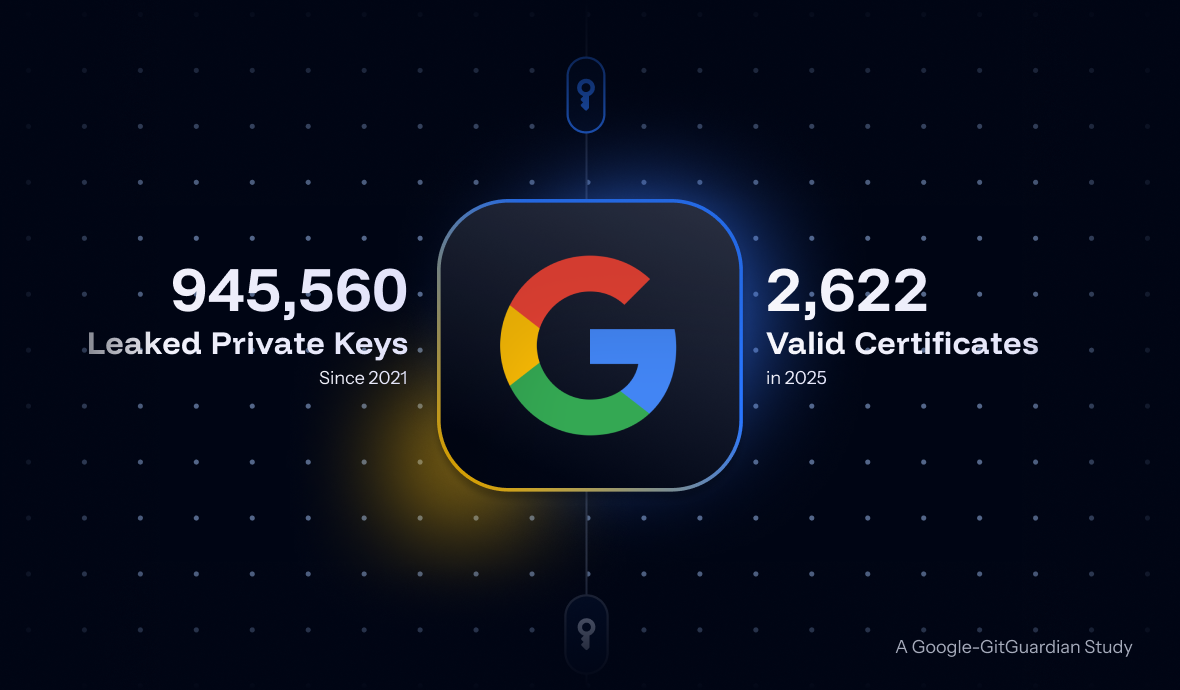
GitGuardian partnered with Google to answer: what happens when private keys leak? Using Certificate Transparency, we mapped about 1M leaked keys to 140k certificates. Result: 2,622 were valid as of September 2025, exposing major organizations. Our disclosure campaign achieved 97% remediation.

 Entrar